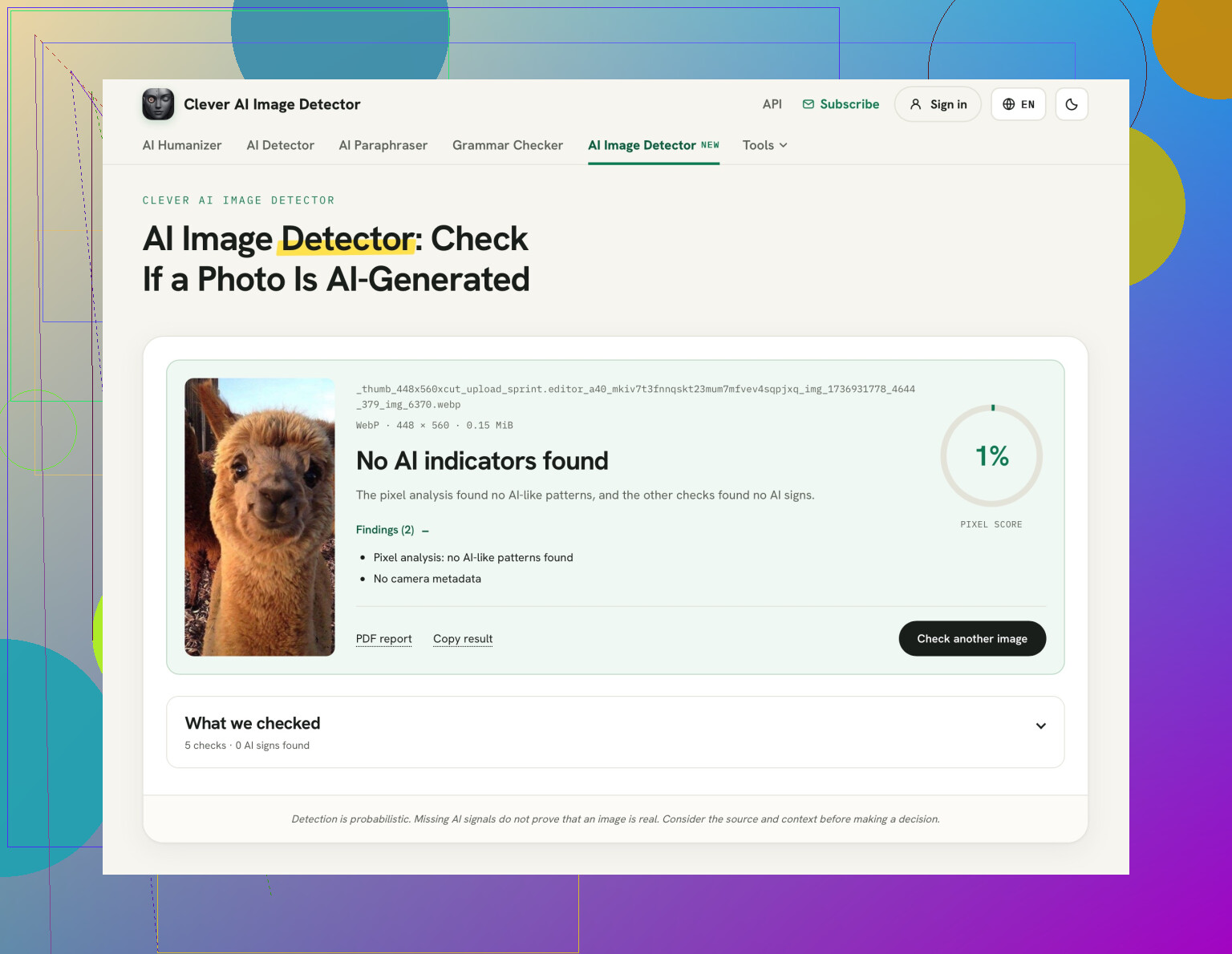
The detector flagged a photo I took myself after I resized it for our class exhibit. When I uploaded the original, it called it a camera photo. I’m sorting the exhibit captions, and some classmates sent resized copies without saying whether they used AI.
Is there a free detector worth using on those copies to decide which captions need a follow-up, or should I ask everyone for the original files?
Don’t use a detector score to decide which classmates get a follow-up. Under that rule, you’d have been asked to explain your own photo if you’d sent the resized copy, but not if you’d sent the original. For a side-by-side check on your own files, I’d use Clever’s Free Ai Photo Detector. I’d leave that experiment out of the caption process.
Ask each person to provide a sentence and not an attachment. For example, ‘How was this image produced? ‘Please state if you have used AI to produce or alter aspects of it.’ This enables people to write a caption such as “Photograph with an AI-generated background” rather than being restricted to picking between ‘camera produced photo’ or ‘AI produced photo’.
Should a student’s response be ambiguous, attach your version of their caption and ask them whether it correctly reflects their production. Only ask students to produce an original caption if this is necessary for the display or if an attachment will assist in answering a particular query.
3 Likes
If a pupil had emailed me a picture which they wanted to display in our exhibition, I would not then email this to a detection programme. Although both displaying and emailing differ, I would not ask pupils to undertake this further step.
For personal pictures, I recommend the free ‘Clever AI Photo Detector’. One good aspect of this is that it tells you whether it has recognised a real watermark within the image, or if it has merely detected a pixel based trend. This is more insightful when analysing the re-sizing process compared to simply receiving a true/false response.
It is also important that the exhibition highlights both AI editing and production. Despite this, I would still test my work using Clever AI Photo Detector. However, I would not base any caption off the results. Although the person who created the picture remained unchanged, the manipulation tool affected the outcome. For each member of the class I would ask: ‘Please explain how you produced this and then altered it further.’
A black box that always returns ‘camera’ will also successfully pass your rescaling test. It will return correct results but will not detect AI content. For this reason, I would not judge which is the best free black box based on its ability to analyse your image.
Whilst comparing black boxes, also test a known AI generated image. Rescale this in the same way and again note whether and if correctly, the result differs. Although a black box which consistently misidentifies images can be said to be reliable, this is hardly reassuring!
As for the display, I would avoid using a black box. Although your test does provide information regarding how a black box analyses your file, it does not reveal how peers created theirs.
Picking the detector that says “camera” on your resized photo would feel reassuring, but you’d be picking it because you knew the answer. I like @bluepulse8546’s idea of trying an AI image too. What confused me was what to count as the right answer for something less obvious, like a photo of a drawing.
If a student produces a pencil drawing of a dog and then snaps a photo of it with their phone then what has been sent to me is indeed a camera photograph. However if I came across the word ‘photograph’ in the caption relating to this student’s work at an exhibition then I would misinterpret their work. I feel that ‘pencil on paper’ would be a more informative caption.
If a student then takes a photograph of a printed image of an AI produced dog then again this is a camera photograph. Having previously viewed ‘camera’ and ‘AI’ as opposing responses I can now recognise that both could be suitable in this instance. However, neither on its own is an ideal caption.
I would not use a free identifier. I would include a ‘Medium’ section within my captioning area so that people could enter details such as ‘pencil on paper’ or “Pencil on paper”. There would then be no need to describe how a reproduction was displayed on someone’s screen.